
Patients And Visitors
OHSU MyChart Users
Accessing your new Adventist Health MyChart account

Beginning August 30, 2026, MyChart records from visits and procedures at Adventist Health Portland and Adventist Health Columbia Gorge will be available in the new Adventist Health MyChart. This is a part of Adventist Health's new and improved patient portal, which is designed to give you easier, more secure access to your health information. Whether you’re managing appointments, viewing lab results, or messaging your care team, MyChart is your trusted companion for staying informed and connected. Visits at OHSU or Hillsboro Medical Center will remain in your OHSU Health MyChart account, as will any MyChart messages sent to any providers, including Adventist Health Portland or Columbia Gorge before August 28.
Continue staying connected to your care with Adventist Health MyChart
We’re here to make sure it’s easy for you to stay connected to your care at Adventist Health.
- You can add your Adventist Health MyChart via your MyChart app now. All features will be available on August 30, 2026. You may be able to log in with your current MyChart username and password. If you need help, call the MyChart patient support team at: 833-242-4278 or you can start a chat with our support agent using the link below.
- Update your primary organization by opening the Menu in MyChart and selecting Switch Organizations. Then select Edit Organizations, choose Add Other Organization, search for Adventist Health, and add it as your primary organization.
- You’ll continue to find OHSU and Hillsboro Medical Center Health information in your OHSU Health MyChart account.
- Your information for care received from Adventist Health Portland and Adventist Health Columbia Gorge prior to August 30 will transition to your Adventist Health MyChart account. However, your messages with Adventist Health providers prior to August 28 will remain in the OHSU MyChart portal.
- Proxy access will transfer automatically.
Please note: MyChart should not be used for emergencies. For urgent medical needs, please call 911 or go to your nearest emergency room.
Access your MyChart account
Please ensure that you select the correct portal based on your visit date to avoid any inconvenience.
For visits and messages BEFORE August 30, 2026: Use your OHSU Health MyChart to view health records, pay older bills, or access past messages.
For visits or messages ON or AFTER August 30, 2026: Use the new Adventist Health MyChart to manage your care moving forward. Please use the Adventist Health MyChart Portal to continue messaging with your Adventist Health Portland Adventist Health Columbia Gorge providers.
Support
For assistance with login, you can call our MyChart patient support team at 833-AHCHART or 833-242-4278 or you can start a chat with our support agent.
Find answers to common questions about enrollment, medical records, family access, and technical issues below
Helpful information about the MyChart transition
If you’re using MyChart today, you know how it puts your health journey at your fingertips. The information below can help you learn more about the transition process and what you can expect.
What do I need to do?
You may able to log in with your existing MyChart username and password. If you need help, click “Forgot login information” or call Adventist Health MyChart Support. However, these are separate accounts, so if you change your password or username in the future in one of the accounts, it will not automatically apply to both.
Will I still have access to my records?
Yes, your visits at OHSU and Hillsboro Medical Center will continue to be available in your OHSU Health MyChart account. All of your visits from Adventist Health Portland and Columbia Gorge prior before to Aug. 30 will be transferred over and available in your Adventist Health MyChart account. This does not include MyChart messages.
How do I link my MyChart accounts?
Starting on August 30, 2026, you will can log into the MyChart app and follow the below steps to link your accounts:
- Select “Menu”
- From the main menu select “Sharing” and then “Link my accounts”
- Follow the prompts to link your Adventist Health and OHSU Health MyChart accounts.
Once connected, eligible information from both health systems can be viewed together within MyChart.
If I am seen at both Adventist Health and OHSU, will I have two MyChart accounts?
Yes. Patients will continue to have an OHSU Health MyChart for care at OHSU and Hillsboro Medical Center Health, and a separate Adventist Health MyChart for care received at Adventist Health Portland and Adventist Health Columbia Gorge. Once connected, eligible information from both health systems can be viewed together within MyChart.
What if I forgot my password or have trouble activating?
If you forget your password, you can use the Forgot Login Information link on the MyChart portal login page and follow the prompts to retrieve or reset your password. If you have additional questions, please call the MyChart patient support team at 833-AHCHART or 833-242-4278 or you can start a chat with our support agent.
Can you send me a new activation code if I have lost it, let it expire, or did not receive it?
If you don't have an activation code, you can request one on the sign-up page. You can also contact us at 833-AHCHART or 833-242-4278. After we verify your information, you will receive a new code.
For your security, your activation code expires after a set period of time and is no longer valid after the first time you use it.
Can I view a family member's medical record in MyChart?
Yes, you can. MyChart proxy access allows you to access the medical records of your family members and others you care for, with their permission. You must be at least 18 years old to have proxy access to another person's medical record.
You might also want to grant a family member or friend access to your medical records when you need assistance managing your appointments and other medical needs. To give someone access to your medical record, grant access via a proxy invite through the Friends and Family Access page in MyChart.
More about your medical records
Find answers to common questions about your medical record, including where to find information, what records are available, and how to request additional documentation.
What will happen to my medical records that are in the OHSU Health MyChart portal?
Most of your previous medical information will be available in MyChart, along with all new information from your visits, appointments, test results, medications, and other clinical records moving forward. However, some historical information like messages with providers from the OHSU Health MyChart portal will not be available in the Adventist Health MyChart portal.
Can I still access information in my OHSU Health MyChart patient portal?
Yes, your Adventist Health information will still be available. However, you will no longer be able to send messages, request appointments, or complete other actions for care at Adventist Health Portland or Adventist Health Columbia Gorge within the OHSU Health MyChart portal.
Technical questions
For assistance with login, you can call our MyChart patient support team at 833-AHCHART or 833-242-4278 or you can start a chat with our support agent.
Get Started
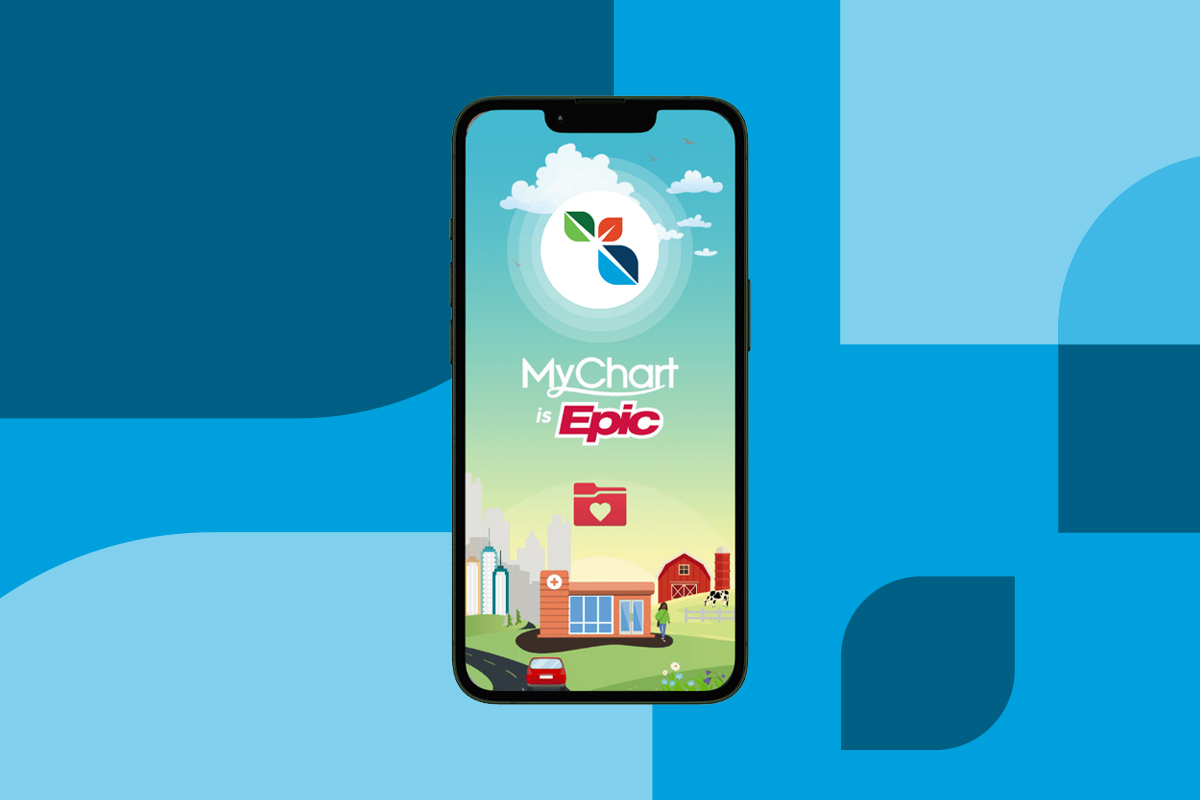
Download the MyChart app
To get started, download the MyChart app from one of the links below. After installing the app, choose Adventist Health as your healthcare provider and tap “Sign Up Now” to create your account or sign in if you already have one.
Discover More
Our new electronic health record and what it means for you
Our new online health portal is part of our transition to a new electronic health record called Epic to better serve our patients and communities. Epic allows doctors, nurses, other staff, and patients to access the same up-to-date health information, which can improve communication, support safer care, and make it easier for you to access your health information. Read our blog for more details about this transition and answers to questions about what it means for you.